
What Should a Local Business Homepage Actually Include?
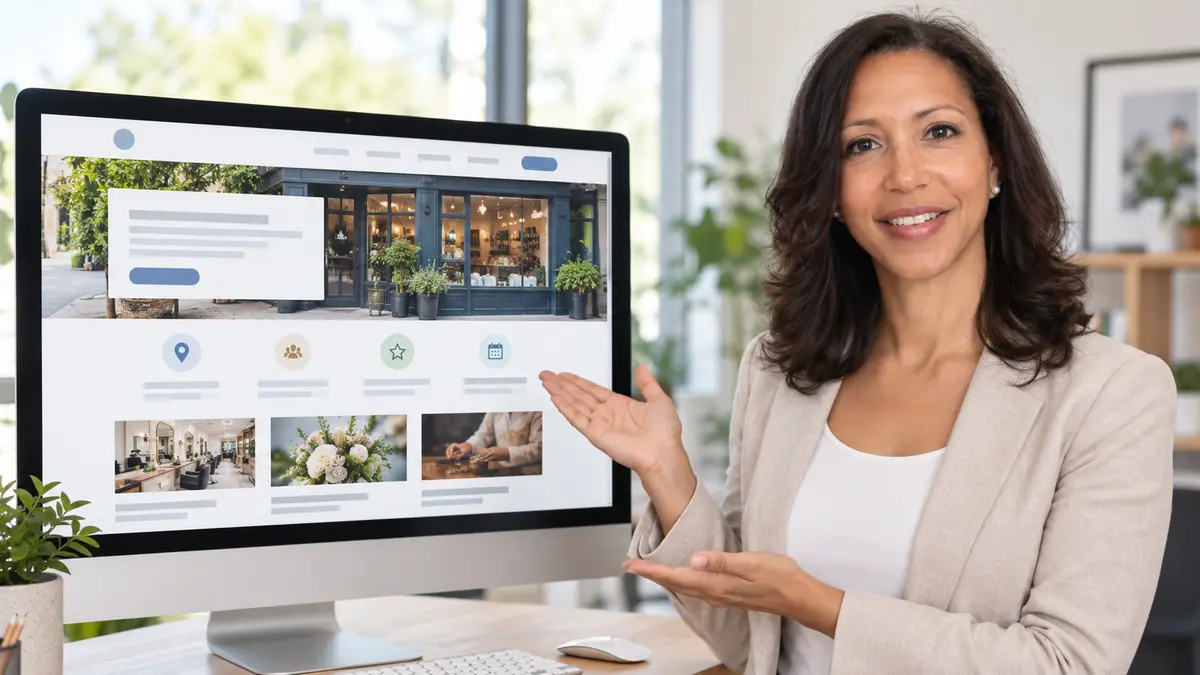
Your homepage is often the first substantial contact a potential customer has with your business. It needs to help that person understand what you provide, determine whether you can help and find the right next step.
It does not need to contain every piece of information about your company. Its purpose is to introduce the business clearly and guide visitors towards the most relevant service, information or contact option.
Begin With a Clear Explanation of the Business
The opening section of your homepage should answer three basic questions:
- What does the business provide?
- Who does it help?
- Where does it operate?
This information should appear near the top of the page. Do not expect a visitor to study the menu or scroll through several sections before understanding the business.
For example, a clear opening statement might say:
Domestic and commercial plumbing services across Coventry and the surrounding West Midlands.
This is more useful than a general statement such as “Professional solutions you can trust.” The clearer version immediately helps suitable customers recognise that they are in the right place.
Provide an Obvious Next Step
The opening section should also contain a clear action. Depending on the type of business, this might be:
- Request a quotation
- Book an appointment
- Call for assistance
- Arrange a consultation
- View the available services
Avoid presenting too many competing choices. Choose one main action and, if necessary, one secondary option for visitors who are not yet ready to make contact.
Introduce Your Main Services
Visitors should be able to identify your main services without searching through a complicated menu. Include a short section introducing the services that matter most to your customers.
Each service summary can link to a dedicated page containing more detailed information. A useful service page can explain what the work involves, who it is suitable for, how the process operates and what the customer should do next.
Avoid placing every small variation of a service on the homepage. Group related options logically so that the page remains easy to scan.
For example, a decorating business might introduce:
- Interior painting and decorating
- Exterior decorating
- Commercial painting
- Wallpaper hanging
- Heritage property decorating
These categories help visitors choose the most relevant route into the website.
Explain Why Customers Choose the Business
Your homepage should include specific reasons why a customer might consider your company. These should be factual and, where possible, supported by evidence.
Useful examples include:
- Relevant industry experience
- Professional qualifications
- Membership of recognised organisations
- Insurance cover
- Written guarantees
- Specialist knowledge
- Clear response arrangements
- Experience with a particular property or customer type
Avoid unsupported claims such as “the number one company” or “the best service in the region.” Visitors are more likely to trust details they can understand and verify.
Add Genuine Customer Reviews
Customer reviews can reassure visitors who have not dealt with your business before. Include a small selection of genuine, relevant feedback on the homepage.
A useful testimonial may mention the service provided, the customer’s experience and the outcome. Very short comments such as “Excellent company” offer less information than reviews containing specific details.
Where appropriate, identify the platform on which the review was originally published. Do not alter a review in a way that changes its meaning.
You can then link to a dedicated reviews page or external review profile for visitors who want to see more.
Show Evidence of Your Work
Real photographs, project examples and short case studies help demonstrate that the business actively performs the services it promotes.
The most useful examples normally include a little context. Explain what the customer needed, what work was completed and what result was achieved.
This evidence can be especially important for:
- Trades and home services
- Design businesses
- Professional services
- Property companies
- Consultants
- Business-to-business providers
Use genuine photographs wherever possible. Stock photography can support the design, but it should not be the only visual evidence of the business.
Make the Service Area Clear
Local customers need to know whether you cover their location. Mention your main operating area on the homepage rather than hiding it on the contact page.
You might name your primary town or city followed by the surrounding region. If the service area is extensive, provide a concise summary and link to a dedicated areas page.
Only claim locations that the business genuinely serves. Creating a large list of towns without meaningful coverage can confuse customers and weaken the accuracy of your website.
Include a Brief Business Introduction
A short “About” section can introduce the people behind the company and explain its relevant background.
This section does not need to contain the complete history of the business. A few paragraphs can cover:
- Who runs the company
- Why the business was established
- Relevant experience
- The type of customers it serves
- What customers can expect
Include a link to a fuller About page for visitors who want to learn more.
Answer Important Customer Questions
A frequently asked questions section can remove common uncertainties before the visitor makes contact.
Relevant questions might include:
- Which locations do you cover?
- Do you provide free quotations?
- How quickly can you respond?
- Do you work with domestic and commercial customers?
- Are you insured?
- Do you guarantee the work?
- What happens after an enquiry?
Choose questions that customers genuinely ask. The section should provide useful information rather than repeat keywords or fill space.
Display Accurate Contact Information
Your telephone number, email address and primary contact action should be easy to find. Important contact details can appear in the header, footer and relevant sections of the homepage.
If customers visit your premises, include the correct address and opening hours. If you operate as a service-area business, explain how customers should arrange a visit or appointment.
Check that telephone links work on mobile devices and that enquiry forms send submissions to an actively monitored address.
Keep the Homepage Focused
A homepage becomes less effective when every available message, offer and service competes for attention. Use a logical order that reflects the visitor’s decision-making process:
- Explain what the business provides.
- Introduce the main services.
- Show why the business can be trusted.
- Provide supporting evidence.
- Answer important questions.
- Present a clear way to make contact.
Review the page on both desktop and mobile devices. Make sure the text is readable, buttons are easy to use and important information is not hidden by pop-ups or unnecessary effects.
Help Visitors Make a Confident Decision
An effective local business homepage provides clarity rather than trying to say everything at once. Visitors should quickly understand what you do, where you work, why they can trust you and how to proceed.
If those answers are clear, the homepage can guide suitable visitors towards your service pages and contact options without creating unnecessary confusion.
To review how clearly your business appears online, use the free business visibility checker.